
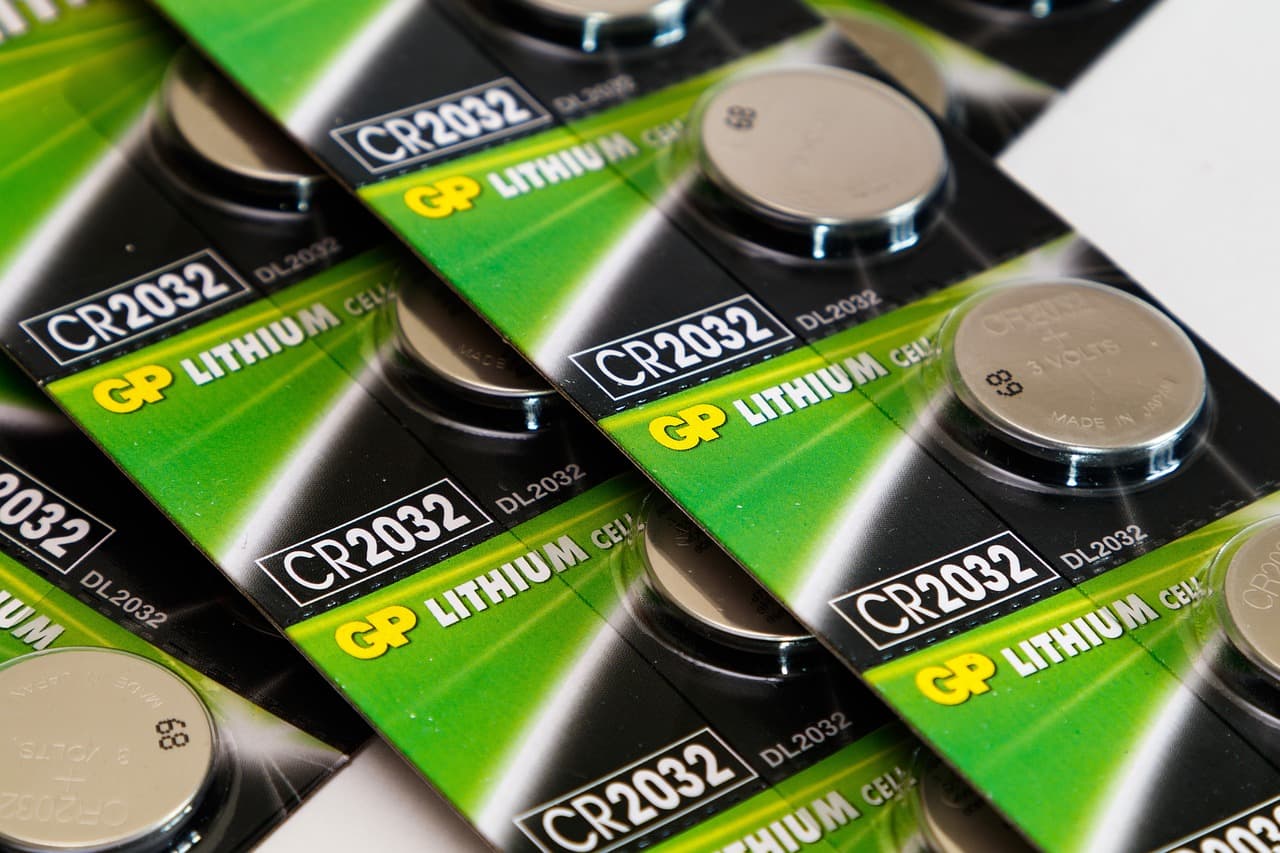
You've heard the rules: don't charge overnight, drain the battery fully before plugging in, keep it between 20% and 80%. But which of these actually matter for lithium battery care? The short answer: only the 20-80% range makes a real difference, and even that is negotiable. Everything else is either outdated advice from the nickel-cadmium era or a habit with so little impact you'd be better off not worrying about it.
Here's what actually happens inside your phone, laptop, or handheld fan when you charge it, and which habits are worth keeping.
What actually wears out a lithium battery?
Advertisement
Lithium-ion batteries degrade through two main mechanisms: charge cycles and heat. A charge cycle is not one plug-in; it's a full 100% of discharge. If you use 50% today and 50% tomorrow, that's one cycle. Most modern batteries are rated for 300 to 500 full cycles before capacity drops to about 80% of original. That's roughly two to three years of daily use for a phone.
Heat is the bigger killer. A battery sitting at 40°C (104°F) degrades significantly faster than one at 25°C (77°F). Every 10°C increase roughly doubles the chemical reaction rate that breaks down the electrolyte. That's why your phone battery health drops fast if you game while charging in a hot car. The heat from the charging process itself, combined with the heat from the processor, pushes the battery into dangerous territory.
So the real rules are: keep it cool, and don't stress the battery with extreme states of charge. Everything else is secondary.
Does the 20-80% rule really matter?

Yes, but less than you think. Lithium batteries are happiest between 20% and 80% state of charge. At the extremes, the electrode materials experience more physical strain. Charging to 100% and draining to 0% increases the stress and accelerates capacity loss. But the difference is not dramatic. A battery that regularly cycles between 20% and 80% might retain 90% capacity after a year, while one that goes 0% to 100% might retain 85%. That's a 5% difference, not a night-and-day gap.
The 0% is the worst part. Letting a lithium battery fully discharge can push the voltage below the safe cutoff, which can permanently damage the cell. Most devices shut down before that happens, but if you leave a dead gadget in a drawer for months, the self-discharge can drop the voltage low enough to kill it. If you're storing a device long-term, charge it to about 50% and check it every few months.
So the practical takeaway: avoid hitting 0% regularly, and if you can unplug at 80%, great. But if you charge overnight to 100%, you're not ruining your battery. Modern phones and laptops stop charging at 100% and run on the charger, so the battery isn't being stressed all night. The only downside is the battery sits at 100%, which is a minor strain compared to the heat damage you'd get from using it heavily while charging.
Is fast charging bad for your battery?
Fast charging generates more heat, and heat is the enemy. But modern fast charging is smarter than you think. A 20W charger on a phone that supports it will throttle the power as the battery fills, reducing heat in the later stages. The heat spike is mostly in the first 30 minutes. If you're in a cool room, fast charging is fine. If you're in a hot environment, fast charging will degrade the battery faster.
A good rule: use fast charging when you need it, not all the time. For overnight charging, a standard 5W or 10W charger is gentler because it generates less heat over the charging period. But if you only have a fast charger, don't panic. The difference in battery health after a year is likely under 5%.
One thing to avoid: using your phone heavily while it's fast charging. That combination of charging heat and processor heat is the worst scenario for battery longevity. If you're gaming or streaming video, unplug first or accept the extra wear.
Do I need to calibrate my battery by fully draining it?
No. That advice is left over from nickel-cadmium batteries, which had a memory effect. Lithium batteries don't have that problem. In fact, fully draining a lithium battery is the worst thing you can do, as mentioned earlier. The only time a full discharge is useful is if your device's battery percentage meter is inaccurate. That's a calibration issue, not a health issue. If your phone dies at 15%, a full discharge and recharge might recalibrate the meter, but it won't improve the battery's actual capacity.
So skip the monthly drain ritual. It's a myth that wastes your time and slightly harms the battery.
How should I store a device with a lithium battery?
If you're storing a phone, laptop, or a mini handheld fan for a few months, charge it to about 50% and turn it off. A 50% charge minimizes stress and self-discharge. Store it in a cool, dry place. Avoid hot garages or windowsills. Check the charge every two or three months and top it up to 50% if it's dropped below 30%.
If you're storing it for a year or more, the same rule applies, but you'll need to check it more often. A completely dead battery can become a brick, so don't just toss it in a drawer and forget it.
What's the best charging habit for daily use?
Here's a simple routine that balances battery health and convenience:
- Keep the battery between 20% and 80% when you can. This is the single most effective habit.
- Avoid letting it hit 0%, especially regularly. Charge before it dies.
- If you charge overnight, use a slow charger if you have one. If not, don't stress about it.
- Avoid using the device heavily while charging, especially with fast charging.
- Keep the device out of direct sunlight and away from hot surfaces while charging.
- For long-term storage, charge to 50% and check every few months.
That's it. No special apps, no freezer tricks, no battery conditioning cycles. Just heat management and avoiding extreme states of charge.
Are battery-saving apps and chargers worth it?
Battery-saving apps that claim to extend battery life are mostly snake oil. They can't change the chemistry. They might reduce background activity, which reduces heat and drain, but you can do that by turning off features you don't use. The apps themselves often run in the background and consume battery, so they can be counterproductive.
As for overpriced "smart" chargers that claim to optimize battery health, they're usually just chargers with a timer or a lower wattage. A standard charger that follows the device's charging protocol is fine. The device's built-in battery management system handles the rest.
One thing that does help: using a charger that matches your device's specifications. A cheap off-brand charger that doesn't follow the proper charging curve can deliver inconsistent voltage and cause heat spikes. Stick with reputable brands or the charger that came with the device.
The bottom line on lithium battery care
You don't need to obsess over your battery. If you follow the core principles, you'll get years of use. The most impactful habits are: keep it cool, avoid deep discharges, and don't stress about the last 20%. If you're in the market for a device with a lithium battery, like a mini handheld fan for summer, check the battery capacity and the charging specs. A quality battery management system matters more than your charging habits.
Now, go charge your phone. It'll be fine.
What about the new EU battery rules?
As of June 2025, new smartphones sold in the EU must display a battery durability label showing cycle life and repairability, and manufacturers must meet minimum standards for charge retention after 500 full cycles. This is pushing phone makers to publish cycle-life ratings openly, so when you buy your next device, look for that number rather than assuming all lithium batteries are equal. A phone rated for 1,000 cycles to 80% will outlast one rated for 500, regardless of how carefully you charge it.