Your laptop is not broken. It is sitting in a 35°C room with 80% humidity, on a bed or a wooden desk, while a fan that has not been cleaned since you bought it tries to push hot air through a layer of Dhaka dust. That is the laptop overheating fix Bangladesh problem in one sentence: you are fighting physics, not a faulty machine.
The fix is not one thing. It is four things done in order, cheapest first. Clean the vents and fan. Lift the laptop off whatever surface it is sitting on. Repaste the CPU if the machine is more than two years old. And undervolt the processor so it produces less heat in the first place. A cooling pad helps, but it is the last 10%, not the first 90%.
Why does your laptop run hotter in Bangladesh than it did abroad?
Advertisement
Ambient temperature sets the floor for everything else. A laptop's cooling system is designed to dump heat into the surrounding air. If that air is 35°C instead of 22°C, the heatsink has a much smaller temperature gap to work with, so the fan has to spin harder and longer to move the same amount of heat.
In practice this means a laptop that idled at 45°C in an air-conditioned office in winter now idles at 60°C in a Dhaka September. Under load it hits 95°C and throttles within minutes. You feel it as lag, not heat.
Humidity makes it worse in a way people rarely connect. Dust in Bangladesh is not dry desert dust. It is fine, sticky, and it clings to fan blades and heatsink fins. A fan caked in dust moves maybe half the air it did when new, and it sounds like a small aircraft doing it.
Then there is load shedding. Every power cut means a switch to battery, and many laptops run a different power profile on battery that either throttles the CPU hard or, on some gaming models, keeps performance high and drains fast while the chassis cooks. Frequent charging cycles also mean the laptop is often plugged in while hot, which is the worst combination for long-term battery health.
How do you tell if your laptop is actually overheating?

Do not guess from how warm the bottom feels. Get a number.
Install HWiNFO64 or Core Temp on Windows, or use sensors on Linux. Watch two readings: CPU package temperature and whether the CPU is throttling. Here is a rough guide for a typical Intel or AMD laptop chip:
- Under 70°C under load: fine. Leave it alone.
- 70 to 85°C under load: normal for a thin laptop in a hot room. Not a problem.
- 85 to 95°C under load: hot but within spec. You will lose some performance to throttling.
- 95°C+ sustained, or 60°C+ at idle: something is wrong. Clean it.
A laptop that idles at 65°C in a 30°C room and hits 100°C in ten minutes of gaming has a dust or paste problem, not an ambient temperature problem. Those are different fixes.
Clean the fan first, before you buy anything

This is free and it fixes more overheating laptops than any product you can buy. If your laptop is more than 12 to 18 months old and has never been opened, this is your first move.
You need a small Phillips screwdriver, a can of compressed air (or a soft brush and a blower), and about 30 minutes. Open the bottom panel, and you will usually find one or two fans with a matted grey felt of dust on the blades and a solid carpet on the exhaust fins.
Two things people get wrong:
- Do not spin the fan with compressed air. Hold the blade still with a toothpick or your finger while you blow. Spinning it past its rated speed can damage the bearing, and then you have a noisy fan forever.
- Blow dust out, not in. Take the laptop outside or to a balcony. Otherwise you are just redistributing it around your room.
If the fan spins freely and the fins are clear, you have saved yourself a repair bill. If the fan does not spin at all when powered on, that is a hardware failure and no amount of undervolting will save you.
Does a cooling pad actually help in a 35°C room?
Yes, but less than the marketing suggests, and only if you buy the right kind.
The honest number: a good cooling pad drops CPU temperatures by roughly 3 to 8°C. That is real, and it can be the difference between throttling and not throttling. It is not going to turn a 95°C laptop into a 70°C one.
What matters more than the fans is the elevation. Simply raising the back of the laptop 5 to 8 cm so air can flow underneath does most of the work. If your laptop is currently sitting flat on a bed, a cushion, or a wooden table, a ৳300 plastic stand will outperform a ৳2500 cooling pad sitting on the same blocked surface.
A few practical notes for buying one here:
- Match the fan position to your vents. Many laptops intake from the bottom. A pad with fans directly under the intake grilles works. A pad with fans blowing at a solid plastic panel does nothing.
- Check the power source. USB-powered pads run off your laptop's own USB port, which draws a little more from the battery. That is fine on AC power, annoying during load shedding.
- Noise matters more than you think. A cheap pad with three small high-RPM fans will whine. In a quiet room at night, you will stop using it.
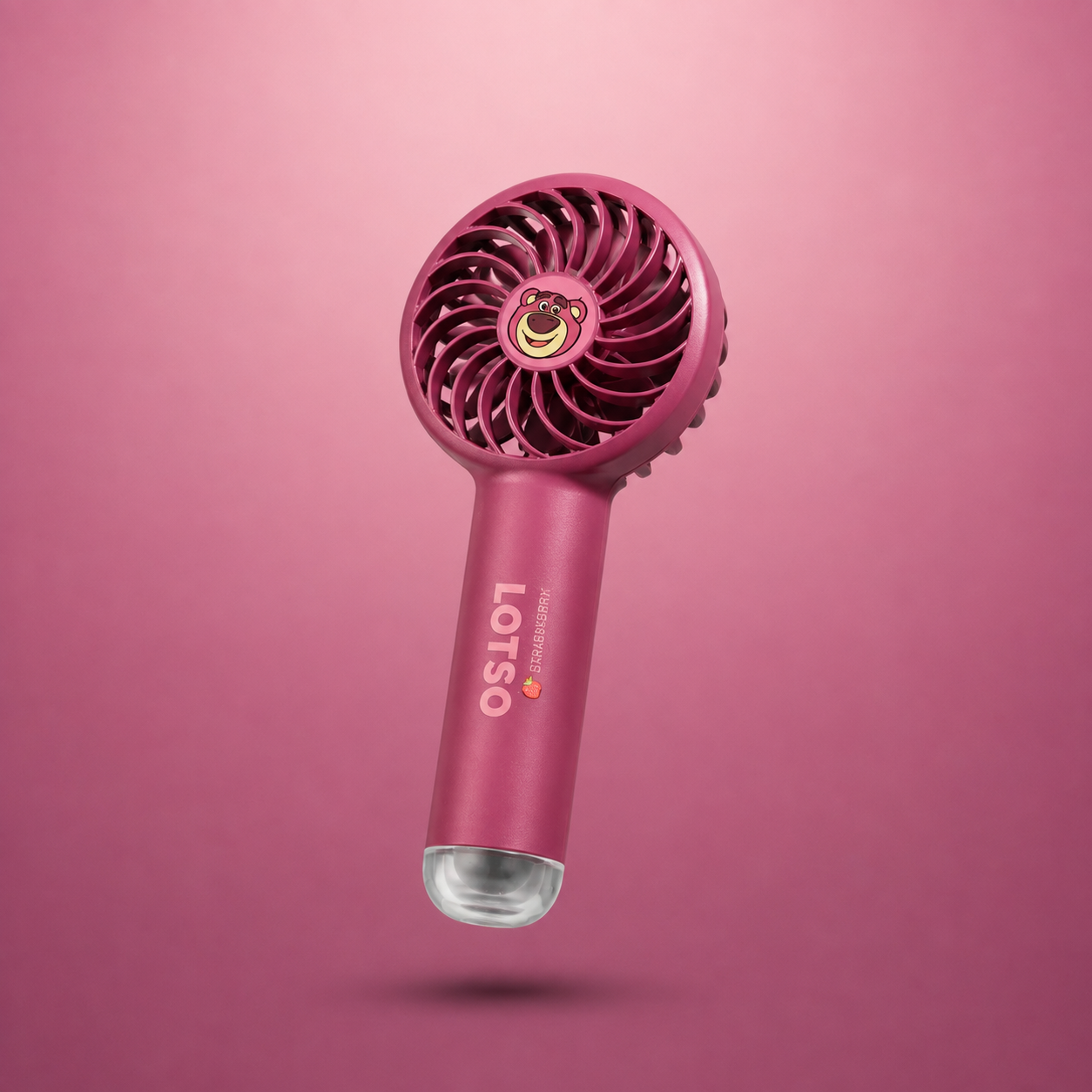
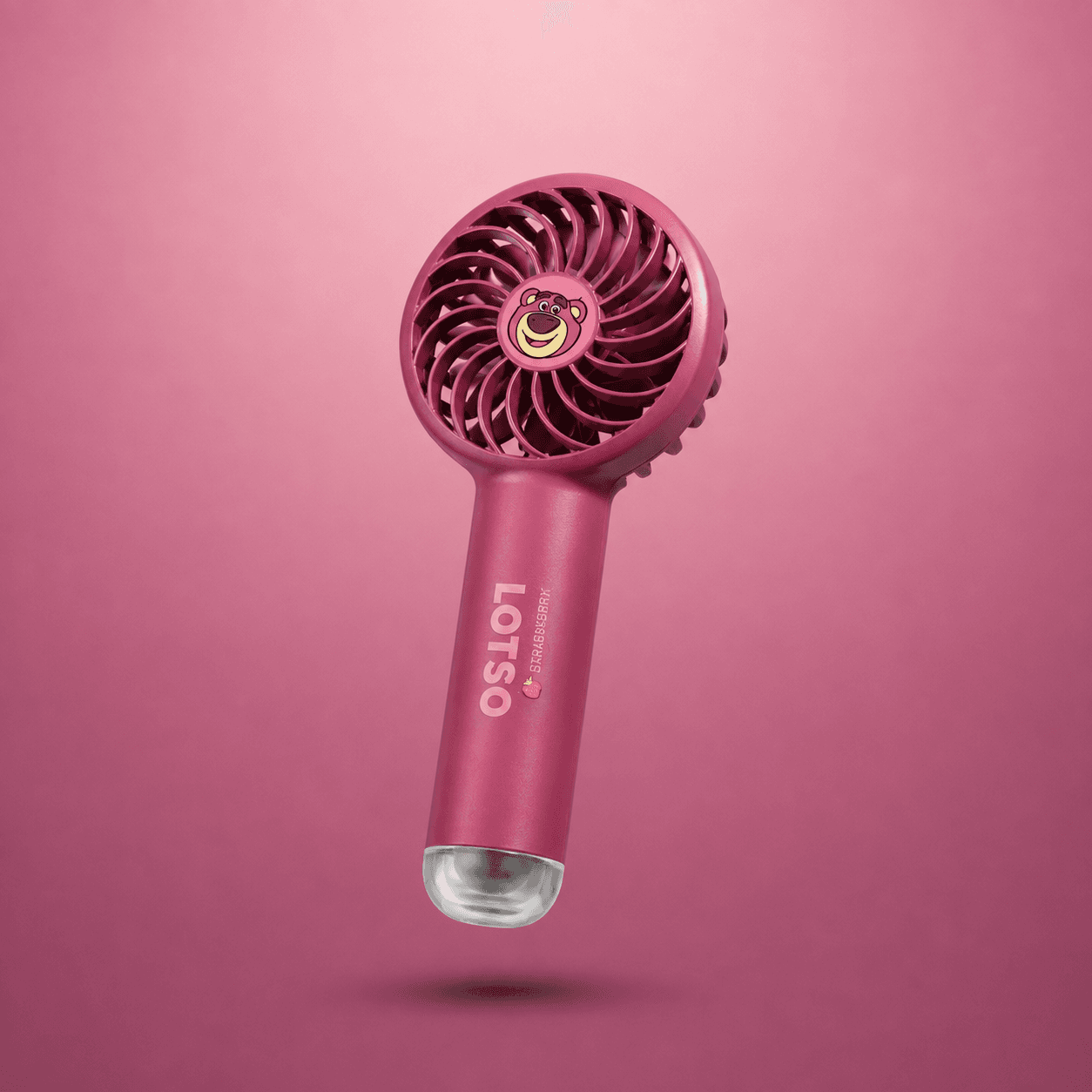
If you want a genuinely cheap supplementary airflow trick, a small USB or battery handheld fan propped to blow across the exhaust side of the laptop can move hot air away from the chassis. It is not a substitute for cleaning, but it is the kind of thing a Disney Mini Handheld Fan does well: small, cheap, and useful for pushing air across a hot keyboard deck during a long load-shedding session when the room fan is off.
Undervolting: the fix that actually lowers the heat at the source
Every other fix moves heat away. Undervolting makes less of it.
Your CPU is fed more voltage than it strictly needs, partly because silicon varies and manufacturers play it safe. Undervolting means finding the lowest voltage your specific chip runs stably at, and setting it there. Typical results: 5 to 15°C lower under load, with the same performance, sometimes slightly better because the chip throttles less.
How to do it depends on your chip:
| CPU generation | Tool | Notes |
|---|---|---|
| Intel 8th to 10th gen | ThrottleStop or Intel XTU | Undervolting works well. Start at -80mV core and cache. |
| Intel 11th gen and newer | Usually locked | Plenty of 11th/12th gen laptops have undervolting disabled in BIOS. Check before you spend time. |
| AMD Ryzen | Ryzen Controller or AMD APU Tuning Utility | Works on many models, less consistent than Intel. |
| Apple Silicon Macs | Not applicable | No undervolting. Focus on cleaning and elevation. |
Start small. Apply -50mV, run a stress test or your actual workload for 20 minutes, and check for crashes or blue screens. If stable, push to -80mV, then -100mV. Most chips will take -80 to -120mV. Some will not take anything. If it crashes, back off 20mV and stop there.
Two warnings. Undervolting is generally safe, but an unstable undervolt can cause silent data corruption, so do not run it on a machine you use for critical work without testing properly. And if your laptop is still under warranty, check whether opening it or flashing BIOS settings voids it.
The habit changes that matter more than hardware
A few things you can change today, no money involved:
- Stop using it on a bed or cushion. Fabric blocks the intake vents almost completely. This single habit causes more overheating than any other.
- Keep it out of direct sunlight. A laptop on a table near a south-facing window in the afternoon is sitting in a greenhouse.
- Do not game while charging in a hot room if you can avoid it. Charging adds heat. Gaming adds heat. Together in a 35°C room, you are asking for throttling.
- Cap your frame rate. In most games, capping to 60fps instead of letting the GPU run flat out drops temperatures significantly with barely any visual difference.
- Use a laptop stand, not a lap. Even a cheap one. Elevation is the cheapest cooling upgrade you can make.
When to stop fixing and take it to a technician
If you have cleaned the fan, elevated the laptop, and repasted the CPU, and it still idles above 65°C in a normal room, the problem is probably not cooling. It could be a failing fan bearing, dried thermal paste under a heatsink you have not reseated properly, or a power delivery issue causing the chip to draw more than it should.
Repasting a laptop CPU is not hard, but it is fiddly, and on many thin laptops the heatsink is shared between CPU and GPU with a specific screw order. If you are not comfortable, a technician in Dhaka will typically do a clean and repaste for a few hundred taka, which is cheaper than a replacement motherboard if you strip a screw thread.
Start with the free fix. Open it, clean it, raise it. Most laptops that overheat in Bangladesh are not dying. They are just suffocating, and they have been for a year.