If your gaming session dies at hour three, it is almost never your skill. It is heat, a dead controller, or a chair that has quietly wrecked your back. The gamer gadgets Bangladesh players actually need for extended sessions fall into three boring categories: something that moves air, something that stores power, and something that stops your wrists from aching. Everything else is optional.
Here is what is worth your money, what is not, and the specific numbers behind each pick.
Why do long gaming sessions fall apart in Bangladesh?
Advertisement
Three things break a session here, and none of them are the game.
Heat. A Dhaka summer room sits around 35 to 38 degrees Celsius in the afternoon. Your PC or console is adding another few degrees to the air right next to you. After two hours your hands are sweaty, your mouse grip slips, and you are playing worse without realizing why.
Power. Load shedding does not care that you are mid-match. A mid-range desktop pulls 300 to 500 watts. A typical 600VA UPS gives you maybe 5 to 10 minutes at that load, which is enough to shut down safely, not enough to keep playing.
Ergonomics. Most people game on whatever chair is in the room. Four hours in a dining chair with your elbows floating is how you end up with wrist and shoulder pain that lasts into the next day.
Fix those three and your sessions get longer on their own. No gadget fixes them all at once, so budget in that order.
Cooling: the cheapest upgrade nobody buys
Your body generates roughly 100 watts of heat just sitting still. Add a PC nearby and a closed room, and you are the thing that needs cooling, not the hardware.
Options, honestly compared:
- A desk fan pointed at your face. Cheap, loud, dries your eyes out after an hour. Fine for short sessions.
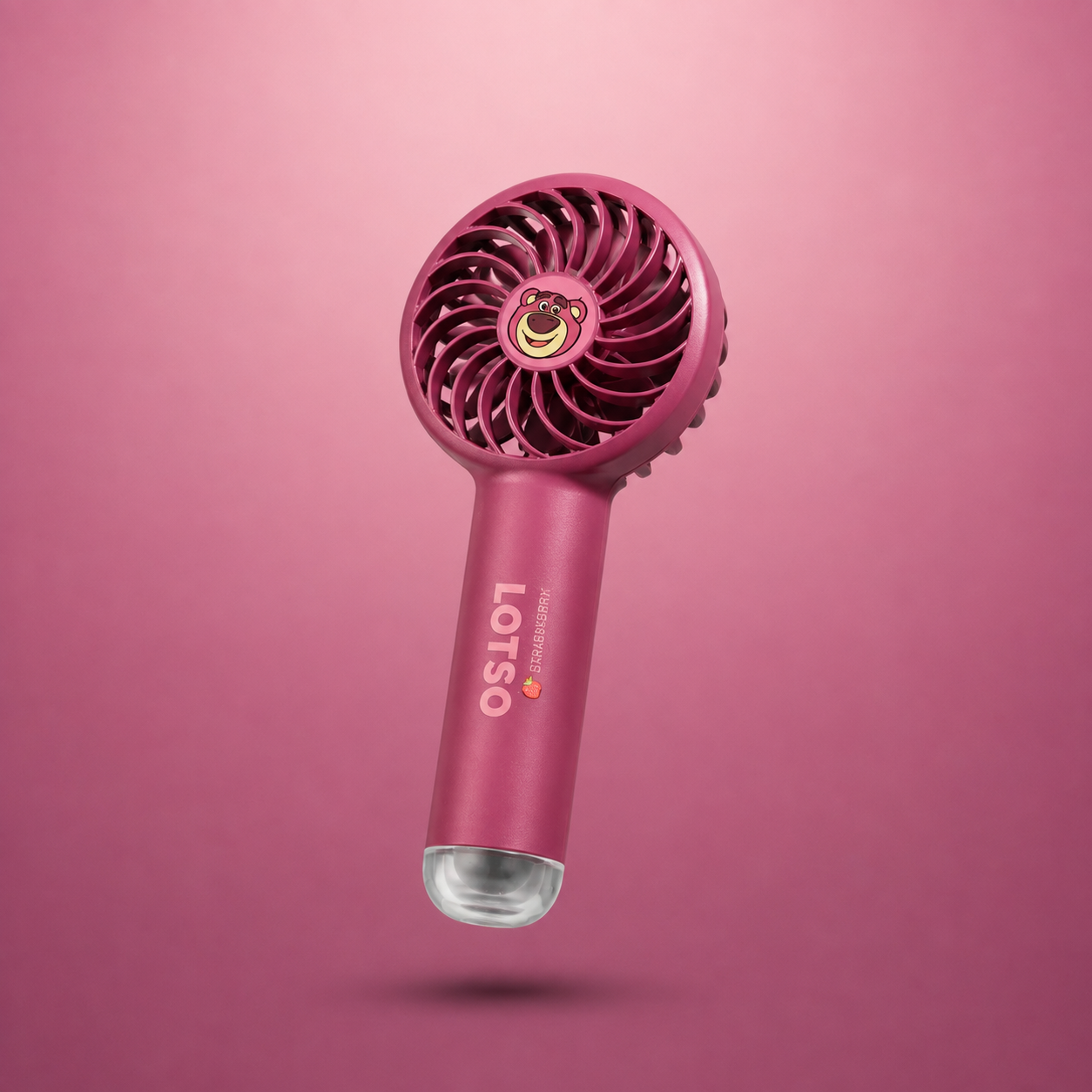
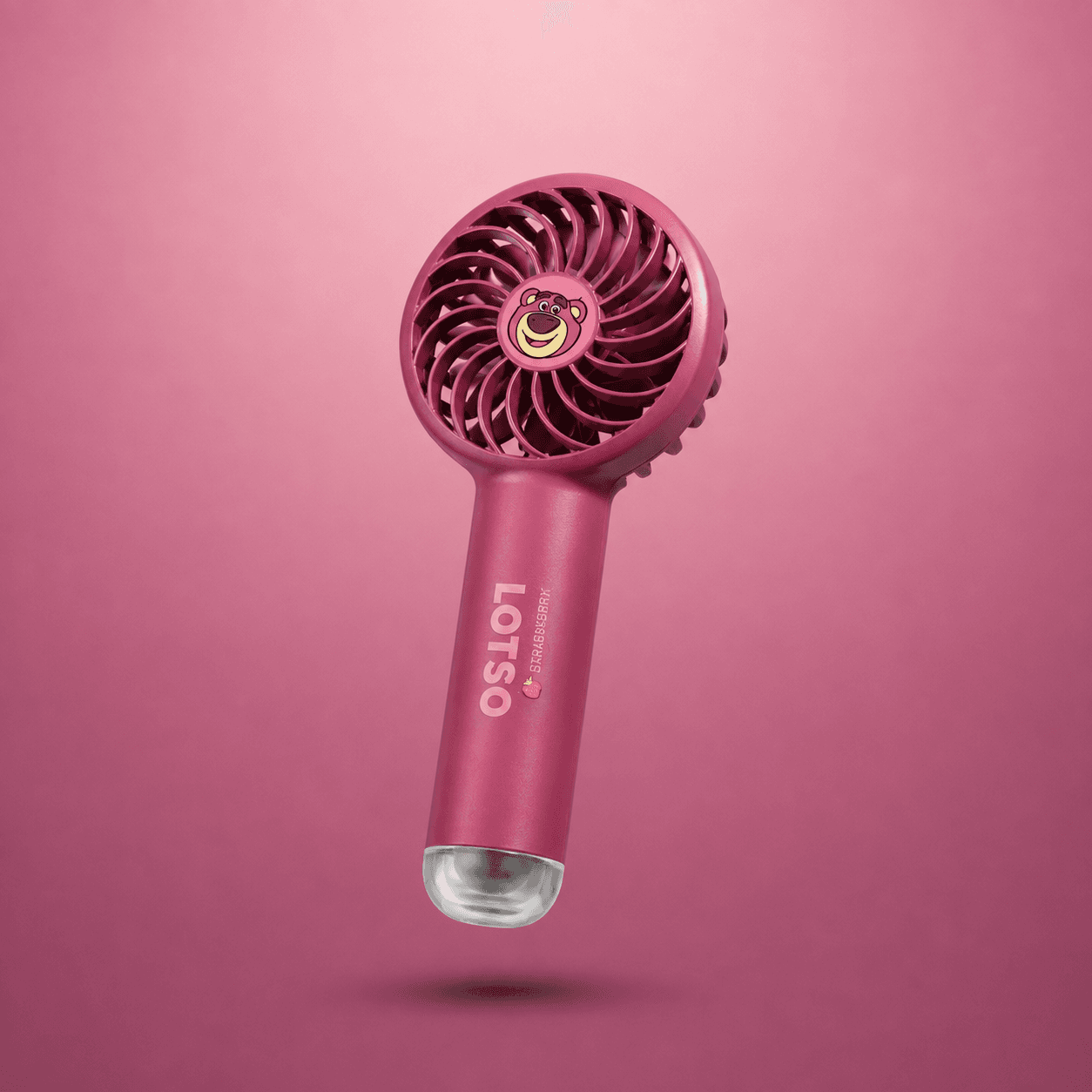
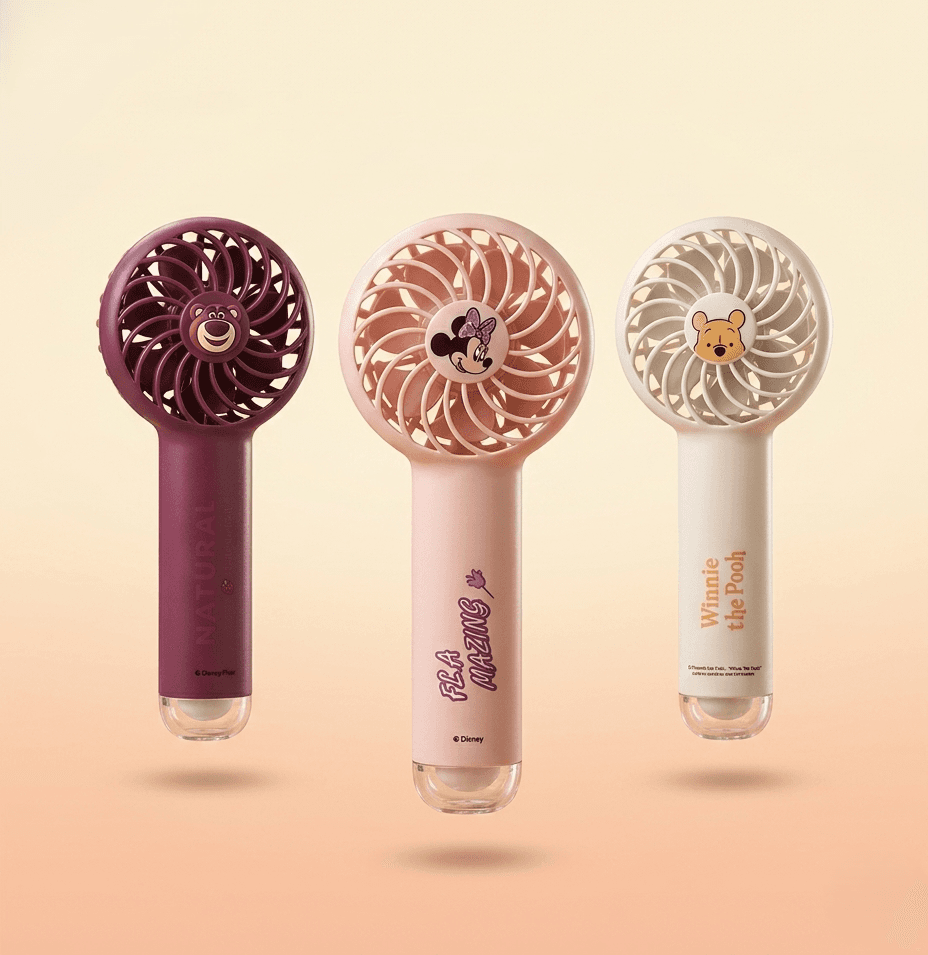
- A clip-on mini fan for your desk or monitor. This is the one most people skip and then wish they had not. A 2000mAh clip fan on low runs about 3 to 4 hours, which covers most of a session. On high it is closer to 90 minutes, so keep a USB cable nearby. The point is not to cool the room, it is to keep air moving across your hands and face so sweat does not kill your grip.
- A room air cooler. Effective, but pulls 60 to 150 watts and adds humidity. In a Dhaka September, humidity is already the problem.
- Air conditioning. Best result, worst electricity bill. If you already run one, you do not need this section.
One practical note: point the fan at your hands, not your monitor. Sweaty palms on a mouse are a bigger performance issue than a warm face. If you want a cheap starting point, DearBuys stocks mini fans that clip onto a desk or monitor edge and run off USB, which is the version that actually fits a gaming setup.
Battery backup: what a UPS can and cannot do
This is the section people get wrong most often, so here are real ranges.
| Setup | Power draw | What a 600VA UPS gives you |
|---|---|---|
| Gaming desktop, mid-range GPU | 300 to 500W | 5 to 10 minutes |
| Gaming laptop, plugged in | 90 to 150W | 25 to 40 minutes |
| Laptop on its own battery | 0W from wall | 1.5 to 3 hours depending on settings |
| Console (PS5, Xbox Series X) | 150 to 200W | 15 to 25 minutes |
| Router plus monitor only | 30 to 60W | 1.5 to 2.5 hours |
Read that table again. A UPS is not a gaming backup. It is a save-your-progress backup. If you are playing online and the power drops, you are disconnecting no matter what you bought.
What actually helps:
- A laptop instead of a desktop, if your games allow it. A laptop on battery is the only setup that genuinely survives a two-hour outage.
- A bigger UPS (1000VA or 1500VA) if you play competitive games and want 15 to 20 minutes to finish a match. It costs more and the battery needs replacing every 2 to 3 years.
- A power bank for your controller. A DualSense lasts 6 to 12 hours. A Switch in handheld mode runs 3 to 6. A 10000mAh power bank with USB-C PD recharges a controller roughly twice.
Do not buy a UPS expecting to keep gaming through load shedding. Buy it so you do not lose a save file.
Ergonomics: the part that costs nothing
Before you buy anything, do this. Chair height so your elbows sit at roughly 90 degrees. Monitor top edge at or slightly below eye level. Feet flat, not crossed. Wrists straight, not bent upward.
That fixes maybe 70 percent of comfort problems for free.
What is worth buying:
- A wrist rest, 300 to 800 taka for a basic gel one. Genuinely helps if you use a keyboard for hours.
- A chair with adjustable armrests. This is the single biggest upgrade. Armrests should support your forearms so your shoulders are not holding your arms up. A decent one runs several thousand taka and lasts years.
- A controller grip or silicone cover. Cheap, and it matters more in humid weather because sweaty hands slip off smooth plastic.
- Blue light glasses. Mixed evidence. Try them if you get headaches, skip them otherwise.
What is not worth buying: RGB strips, a gaming mousepad with a brand name on it, and any chair marketed purely on looks. None of these make hour five more comfortable.
Which gadgets to buy first, second, and third
If your budget is limited, this order beats any list of ten products.
- Chair and posture fix. Free or cheap, biggest effect.
- A clip-on mini fan. A few hundred taka. Solves the sweat problem for most of the year.
- A UPS sized to your setup. Protects your progress and your hardware.
- A power bank with USB-C PD. Keeps controllers and phones alive.
- Wrist rest and controller grip. Small money, real comfort gains.
Everything past that is preference. A second monitor, a mechanical keyboard, a better headset, all nice, none of them fix why hour four feels bad.
One more thing worth saying plainly: September in Bangladesh is still hot and humid, and it is also the month when a lot of people are inside more. If you are going to spend on one small thing this month, spend it on airflow, not on another peripheral.
What to skip
Skip anything that promises to cool your room for under a thousand taka. Skip UPS units with no stated wattage on the box, because VA ratings are not the same as real output. Skip gaming chairs with no adjustable armrests. And skip buying a desktop UPS upgrade if what you actually need is a laptop that runs on its own battery.
The practical takeaway
Before your next long session, do three things. Move air across your hands, know exactly how many minutes your UPS gives you at your real load, and set your chair height so your elbows rest at 90 degrees. That combination costs far less than a new GPU and does more for how long you can actually play. Buy the fan first. It is the cheapest fix on this list and the one you will notice within the first hour.