You bought a fan three months ago, and now it sounds like a blender full of gravel every time you turn it on. The motor still spins, but the noise is unbearable. If your fan getting noisy is the problem, the culprit is almost always bearing wear, and it's not random bad luck. It's a design choice made by the manufacturer, and you can spot it before you buy if you know what to look for.
Here's the short answer: most noisy fans have sleeve bearings that dry out or wobble, and the fix is either a drop of oil (if you catch it early) or a replacement fan with ball bearings. But let's dig into why this happens, how to tell which bearing type you have, and what to do about it.
What causes a fan to get loud after a few months?
Advertisement
The noise you hear is metal scraping on metal, or plastic rattling against a worn shaft. In a fan, the motor shaft spins inside a bearing. That bearing has two main jobs: keep the shaft centered and reduce friction. Over time, the bearing wears down, the shaft starts to wobble, and the blades hit the housing or the vibration amplifies.
There are two common bearing types in consumer fans:
- Sleeve bearings: A brass or steel cylinder with a tiny bit of oil soaked into a felt pad. They're cheap, quiet when new, but the oil evaporates or migrates away within months. Once dry, metal grinds on metal. This is the #1 cause of noise after three months.
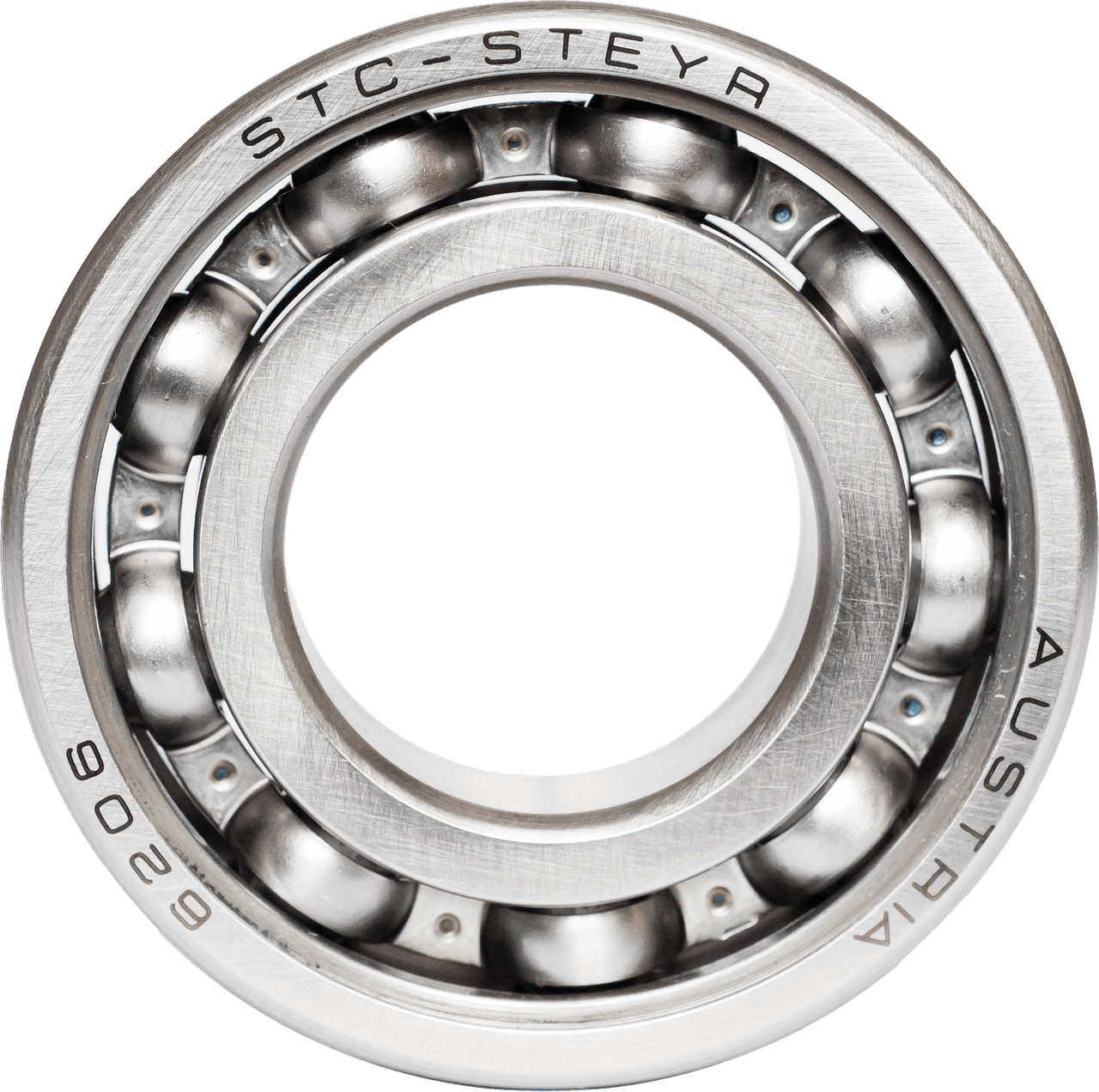
- Ball bearings: Tiny steel balls that roll between two races. They don't rely on oil staying put. They last years, sometimes decades, with no maintenance. They cost a few cents more, so budget fans skip them.
There's also a third type, fluid dynamic bearings, which are like sleeve bearings but with a sealed oil reservoir. They're common in premium PC fans and are quieter than ball bearings, but rare in household fans.
So if your fan is noisy, it's almost certainly a sleeve bearing that has dried out. The fix depends on how far gone it is.
Can I fix a noisy fan, or should I replace it?
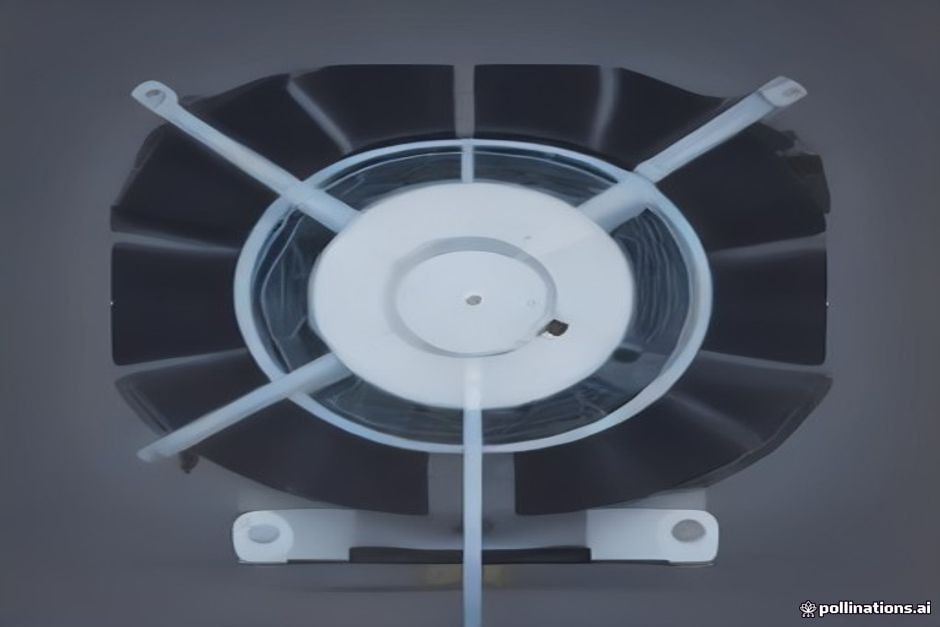
If the fan is less than a year old and the noise started recently, you can often fix it with a few drops of light machine oil. Here's the process:
- Unplug the fan and remove the front grille (usually a few screws or clips).
- Look at the center of the blade hub. You'll see a small rubber plug or a sticker covering a hole.
- Peel it off. That hole is the oil port.
- Put 2-3 drops of light machine oil (like sewing machine oil or 3-in-1) into the hole. Don't use WD-40; it's a solvent, not a lubricant, and it evaporates.
- Spin the blade by hand a few times to work the oil in.
- Plug it back in and run it for a minute. The noise should drop significantly.
If the fan is older than a year, or if the noise is a grinding or clicking sound that doesn't improve with oil, the bearing is worn out, not just dry. Worn bearings have play in them, meaning the shaft moves side to side. You can test this: with the fan off, grab the blade tip and try to wiggle it up and down. If it moves more than a millimeter, the bearing is shot. No oil will fix that.
Replacing the bearing is possible if you're handy with a soldering iron and can find the right size, but for a $20 fan, it's usually not worth the effort. Your time is worth more than that.
How can I tell if a fan will get noisy before I buy it?

You can't open the box in the store, but you can check two things:
- Look at the price and specs. Fans with ball bearings are almost always advertised as such. If the listing doesn't mention bearings, it's probably sleeve. Budget fans under $30 are almost all sleeve bearing.
- Check the weight. Sleeve bearing fans are lighter because they use a simpler motor. Pick up the box; if it feels feather-light, expect a shorter lifespan.
Another trick: read the reviews for the words "noisy" or "rattling" after 3 months. If a significant number of reviews mention that, it's a pattern.
If you want a fan that stays quiet for years, look for one that explicitly says "ball bearing motor" or "dual ball bearing." They cost $10-20 more, but they'll save you the annoyance and the cost of replacement.
What about the blade design and balance?
Bearing wear is the main cause, but there's a secondary factor: blade balance. A fan blade that's slightly off-balance will vibrate, and that vibration accelerates bearing wear. It's a vicious cycle.
New fans are balanced at the factory, but a blade can get bent in shipping or when you clean it. If you notice a fan that was quiet suddenly starts humming or vibrating, check the blades for bends. Straighten them gently with your hands. Sometimes that's all it takes.
Also, dust buildup on blades changes their weight distribution. A thick layer of dust on one blade can make it heavier than the others. Cleaning your fan blades every month or two isn't just about air quality, it's about keeping the fan balanced and the bearings happy.
When is a fan getting noisy a safety issue?
Most noisy fans are just annoying, but there are signs you should stop using the fan immediately:
- Burning smell: That's the motor overheating. The bearing is so worn that the motor is working too hard.
- Excessive heat: If the motor housing is too hot to touch after 10 minutes, it's a fire risk.
- Sparks or flickering lights: That's an electrical issue, not just mechanical.
If you see any of those, unplug the fan and don't use it again. Replace it. It's not worth the risk.
For minor noise, you can run a noisy fan for a while, but you're just waiting for the bearing to seize completely. When it seizes, the motor can overheat and, in rare cases, catch fire. So don't procrastinate on fixing or replacing a noisy fan.
What should I look for in a replacement fan?
If you're shopping for a new fan, here's a quick checklist:
- Bearing type: Look for "ball bearing" or "dual ball bearing" in the description. That's your #1 predictor of long-term quietness.
- Motor type: A copper motor is better than aluminum. Copper conducts heat better, so the motor runs cooler and lasts longer.
- Blade material: Metal blades are more durable and less prone to warping than plastic, but they're also noisier if they hit something. For home use, quality plastic is fine.
- Speed settings: More speeds mean you can run it lower, which reduces noise and wear. A fan running on low is much quieter than one on high.
- Warranty: A longer warranty (2 years or more) suggests the manufacturer trusts the product. A 1-year warranty is standard, but 3 years is a good sign.
If you're looking for a portable option, a mini handheld fan with a brushless motor and ball bearings will stay quiet longer than a cheap one with sleeve bearings. They're not for replacing a room fan, but for personal cooling on a desk or on the go, they're a different category.
One more thing: don't assume a higher price means better bearings. Some expensive fans use sleeve bearings because they're quieter initially. The trick is to read the specs, not just the price.
How to maintain a fan to keep it quiet longer
Even a ball bearing fan will last longer with a little care. Here's what to do:
- Clean the blades and grille every month during heavy use season. Dust is the enemy.
- Oil the sleeve bearings (if you have them) twice a year. It's the same process as above, just preventive.
- Don't run it on high all the time. High speed puts more stress on the bearings. Use medium or low when possible.
- Store it properly in the off-season. Keep it in a dry place, and cover it to keep dust out.
A fan that's maintained can last 5-10 years. One that's ignored might last 18 months.
The bottom line: if your fan is getting noisy, it's almost always bearing wear. Try oiling it first. If that doesn't work, replace it with a ball bearing model. And if you're buying new, spend the extra few dollars for ball bearings. Your ears will thank you.