A Gulshan to Motijheel bus ride can eat 25 to 40 percent of your phone's charge, and most of that disappears before you even reach the flyover. If you want to extend phone battery life Dhaka commutes will not ruin, the fix is not one magic setting. It is a short list of changes that together can stretch a 4,500mAh battery from a 5pm dead phone to a 9pm phone with 20 percent left. Here is what actually works on a Dhaka commute, in the order you should do it.
Why does your phone drain so fast on a Dhaka commute?
Three things happen at once on a typical bus or CNG ride. Your screen stays on longer than it does at home because you are checking maps, Facebook, and messages. Your phone hunts for signal as you pass through areas with weak 4G, and that search draws more power than a strong connection does. And your phone gets hot, which makes the battery itself less efficient.
Advertisement
Heat is the quiet killer. A phone sitting in direct October sun on a bus window seat can hit 40 to 45 degrees Celsius inside the case. At that temperature, the battery drains faster and, over months, ages faster too. Add a fan app or a heavy game while charging in a hot CNG, and you are stacking the two worst things for a lithium battery.
So the goal is simple: cut screen time, cut radio hunting, and keep the phone cool.
What screen settings actually save battery?
Screen brightness is usually the single biggest drain, bigger than any app. On most phones, the display eats 30 to 50 percent of your total power. Here is what to change.
- Turn off auto-brightness and set it manually to about 40 percent. Auto-brightness often pushes brightness higher than you need, especially in the shaded interior of a bus.
- Set screen timeout to 30 seconds, not 2 minutes. On a 2 minute timeout, a phone left in your hand between stops can stay lit for long stretches.
- Use dark mode if your phone has an OLED or AMOLED screen. On those panels, black pixels are actually off, so a dark theme can save a noticeable chunk. On a standard LCD screen, dark mode saves almost nothing, so do not bother.
- Turn off Always On Display. It is a small drain, but it adds up over a two hour commute.
One honest downside: at 40 percent brightness, reading in bright sunlight is genuinely hard. If you are on a rickshaw in full sun, you will squint. Bump it up only when you truly need to read something.
Which apps should you close, and which should you leave alone?
Closing every app is a myth. Force-closing apps you use often can use more battery, because the phone restarts them from scratch each time. What actually matters is a small set of background offenders.
- Location tracking. Apps that constantly ping GPS, like ride-sharing or some social apps, are heavy. Switch location to "while using the app" instead of "always."
- Background refresh. Turn it off for everything except messaging apps you need. Facebook, Instagram, and shopping apps do not need to refresh every few minutes.
- Push email. If you have three email accounts syncing every 15 minutes, set them to manual or hourly. You will not miss anything urgent on a bus ride.
- Widgets and live wallpapers. Animated wallpapers and constantly updating widgets draw power every time the screen wakes.
A useful rule: if an app does not need to tell you something within the next hour, it does not need to run in the background.
How do you stop your phone from hunting for signal?
This is the part most people ignore, and it is huge on a Dhaka commute. When 4G is weak, your phone boosts its radio power to hold the connection. That can drain the battery faster than streaming video on a strong connection.
- If you are underground, in a basement market, or in an area with known dead spots, switch to 3G or even 2G temporarily. The radio uses much less power, and you likely only need calls and SMS there anyway.
- Turn on airplane mode when you genuinely do not need connectivity, like on a long tunnel stretch or during a nap on the bus.
- Download maps and music before you leave. Offline maps mean your phone is not constantly pulling data to redraw your route.
Does battery saver mode really help, and when should you turn it on?
Yes, but it helps more than most people think, and it is underused. Battery saver mode typically limits background activity, reduces screen brightness slightly, and slows down some animations. On a phone at 30 percent, turning it on can realistically buy you another 45 minutes to an hour of light use.
The tradeoff is real. Notifications may be delayed, and some apps may not sync until you open them. That is fine on a commute. It is not fine if you are waiting for an urgent delivery confirmation. So treat battery saver as a switch you flip when you drop below 40 percent, not something you leave on all day.
Ultra battery saver modes go further, often limiting you to a handful of apps and a grayscale screen. These can stretch a nearly dead phone for hours, but the phone becomes a basic calling and texting device. Know that going in.
Should you charge to 100 percent every time?
No, and this is one of the most useful habits to build. Lithium batteries are happiest between roughly 20 and 80 percent. Charging to 100 percent and letting it sit there, especially in a hot phone, stresses the battery.
- Charge to about 80 percent when you can, and top up rather than doing one long charge.
- Avoid charging while using heavy apps or while the phone is in direct sun. Heat plus charging is the worst combination.
- Do not leave your phone plugged in overnight on a hot bedside table if you can avoid it. If you must, use a phone that has a charge limit feature.
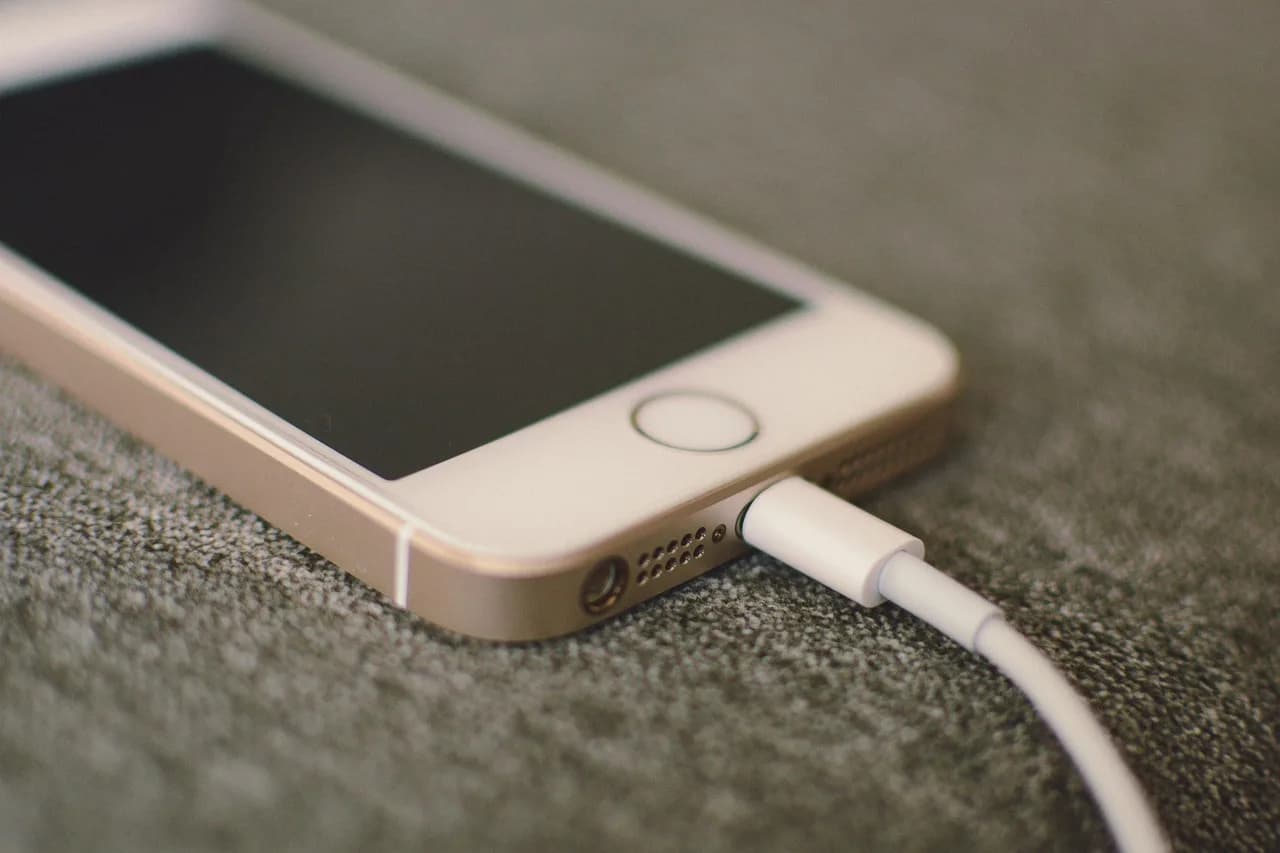
- Use the original charger or a good quality one. Cheap unbranded chargers can run hot and charge slowly, which means more time plugged in and more heat.
A practical note for Dhaka: power cuts make overnight charging unpredictable anyway. Topping up to 80 percent whenever current is available is often the more realistic habit.
What about staying cool without draining your phone?
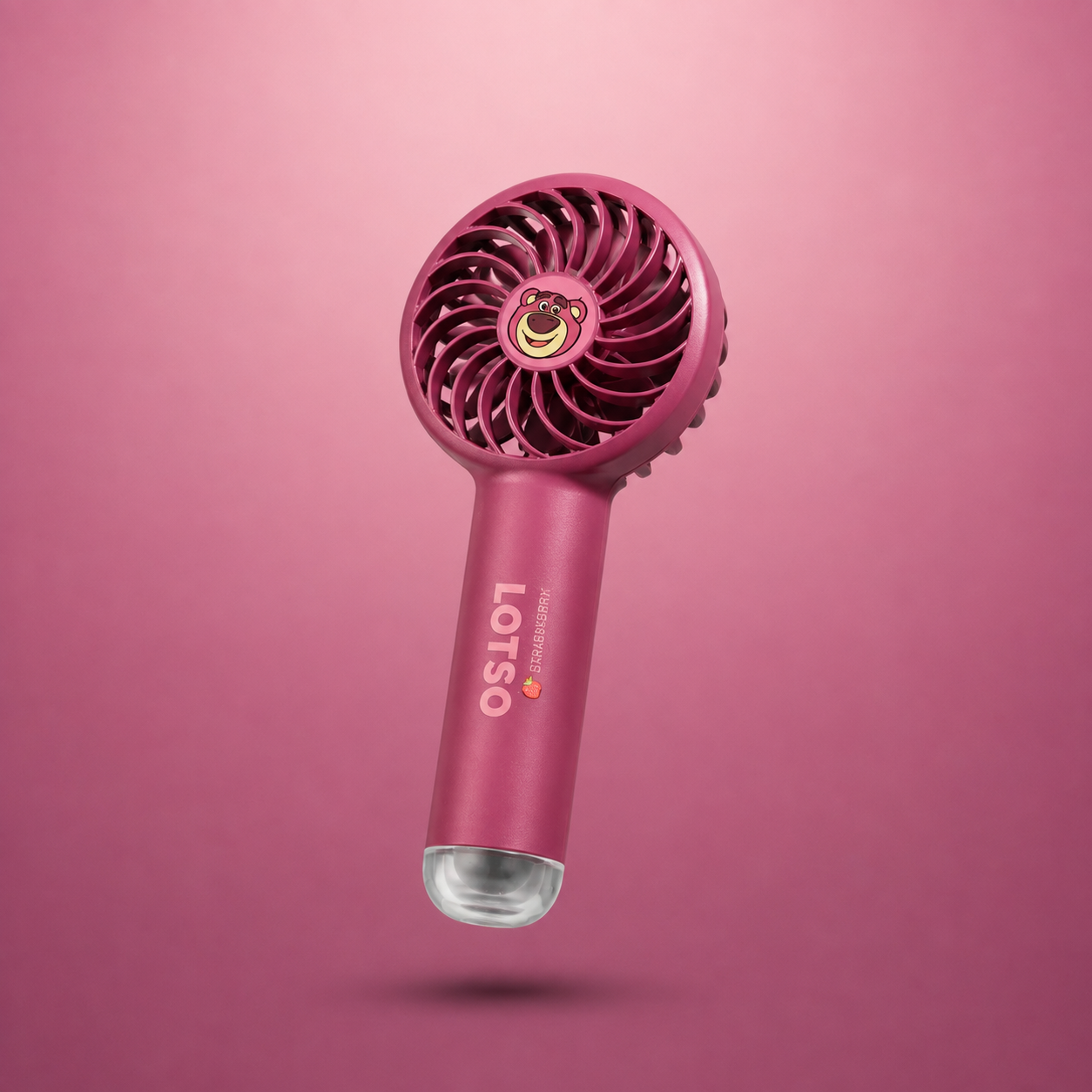
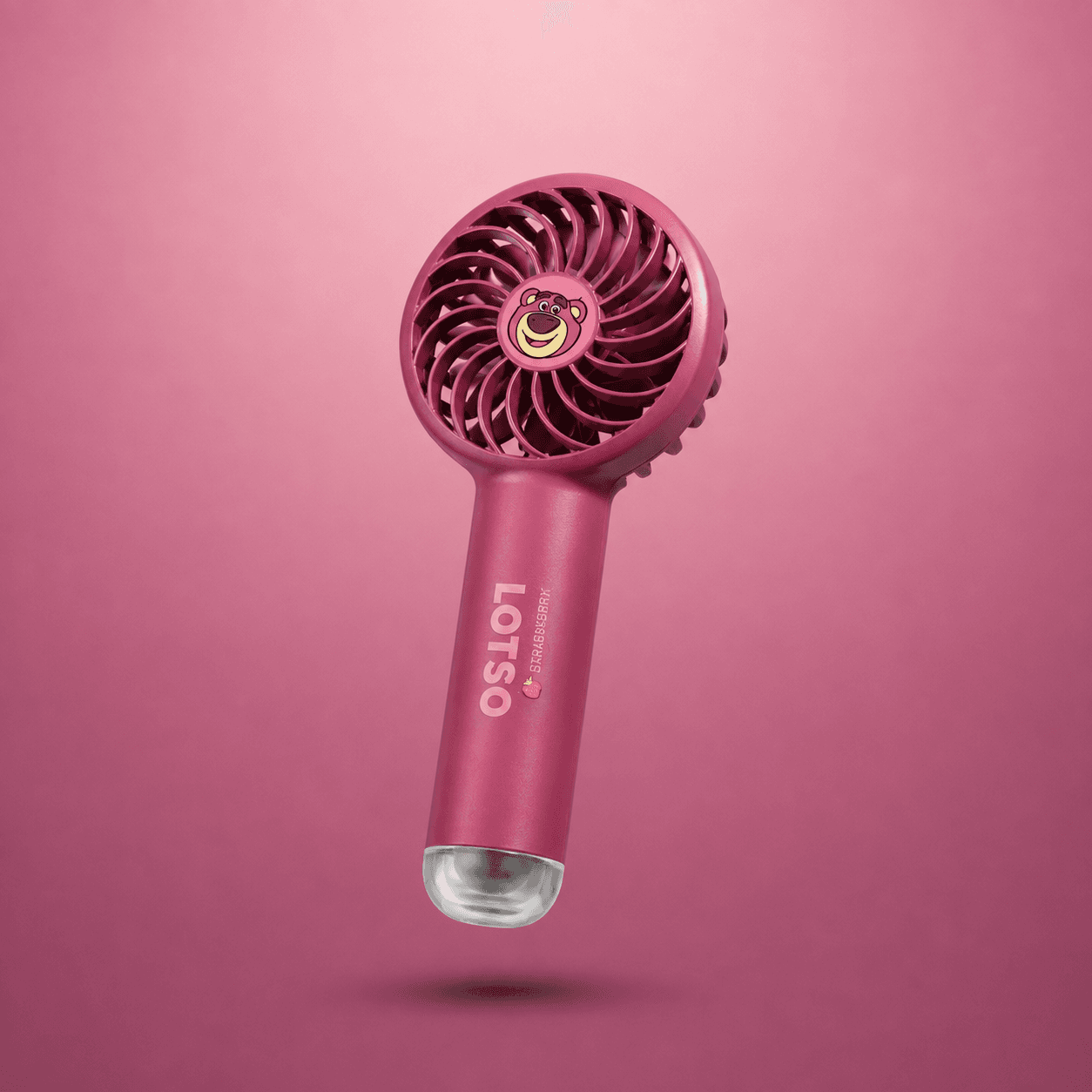
Here is a small but genuinely useful trick. Many people run a fan app to feel cooler, but those apps keep the screen on and the processor busy, which drains the battery you are trying to save. A better option is a small battery-powered mini fan that runs on its own charge, so your phone stays in your pocket and cool.
A basic 2000mAh mini fan runs roughly 3 to 5 hours on low speed, which covers a typical commute without touching your phone's battery at all. It is a low-tech fix, but on a hot October afternoon in traffic, it does more for your comfort than any app will. You can find these fans alongside other small gadgets at DearBuys if you want one that does not compete with your phone for power.
A quick comparison: what to change first
| Change | Effort | Typical battery gain |
|---|---|---|
| Lower brightness to 40 percent | 10 seconds | High |
| Screen timeout to 30 seconds | 10 seconds | Medium |
| Turn off background refresh | 2 minutes | Medium to high |
| Switch to 3G in weak areas | 5 seconds | High in dead zones |
| Turn on battery saver below 40 percent | 5 seconds | Medium |
| Charge to 80 percent, not 100 | Ongoing habit | Long-term battery health |
The takeaway
Do the brightness and timeout changes right now, before your next commute. They take seconds and give the biggest return. Then build the two habits that matter most over months: charge to 80 percent when you can, and keep the phone out of direct sun. If you want comfort without the battery cost, a separate mini fan beats any cooling app. Start with the settings, and your phone will last the whole ride home.