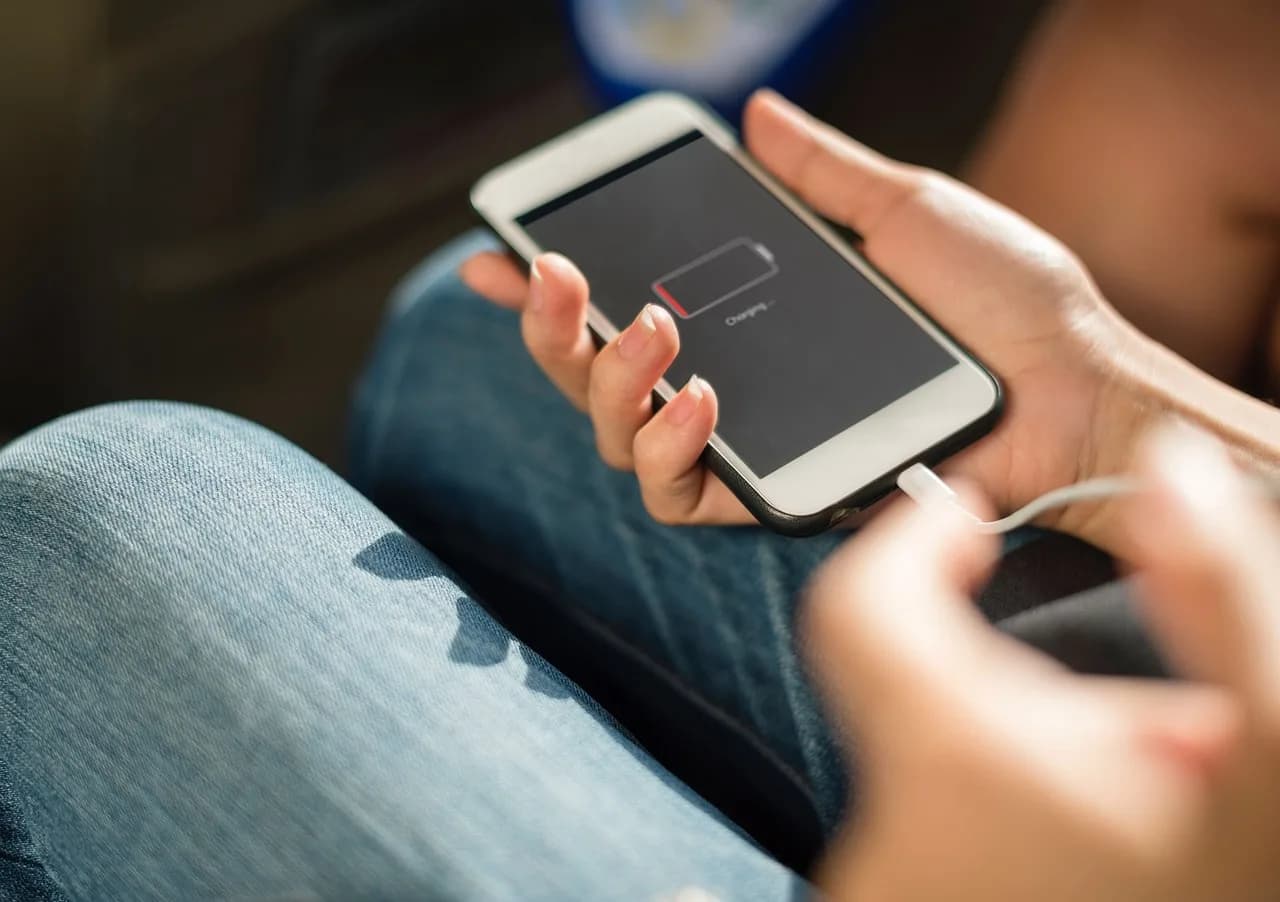
Your phone says 30 percent and dies two minutes later. Or it sits at 1 percent for half an hour while you frantically look for a charger. Battery percentage accuracy is not a measurement, it is a guess. Your phone has no idea how much energy is left inside the cell. It reads voltage, compares that to a lookup table, and shows you a number that is often wrong by 10 to 20 percent depending on temperature, age, and how hard the phone is working.
That is not a bug. It is physics. Once you understand how the estimate gets built, you stop trusting the number and start reading the behaviour.
How does your phone actually calculate battery percentage?
Advertisement
A lithium-ion cell does not have a fuel gauge. There is no float inside measuring litres. What the battery management chip can measure directly is voltage, current, and temperature. Everything else is inference.
The chip watches voltage across the cell terminals. A fully charged lithium-ion cell sits around 4.2 volts. An empty one sits around 3.0 to 3.3 volts, depending on the chemistry and how conservative the manufacturer is. The phone maps that voltage range onto 0 to 100 percent using a curve stored in firmware.
That curve is the problem. It is not a straight line. Lithium-ion voltage drops fast at the top, flattens out through the middle, then falls off a cliff at the bottom. In the flat middle section, a change of 0.05 volts might represent 20 percent of capacity. Near the top or bottom, the same 0.05 volts might represent 2 percent. So the same voltage wobble produces wildly different percentage jumps depending on where you are on the curve.
Manufacturers also blend in coulomb counting, which adds up the current flowing in and out over time. That is more accurate in theory, but it drifts. Small measurement errors accumulate. So the chip periodically re-anchors itself to voltage, usually when the phone is resting and the load is light. That is why your percentage sometimes jumps from 47 to 44 after you unplug a charger, or climbs from 52 to 55 while the phone sits idle.
Why does the percentage drop faster at the bottom?
Because the voltage curve is steepest there, and because your phone is protecting the cell.
Below roughly 3.4 volts under load, the cell is close to its cutoff. Discharging further damages it permanently. So the firmware starts shutting things down. Screen brightness caps. The CPU throttles. Background sync stops. The phone is not running out of energy in a smooth line, it is hitting a wall and then scrambling.
That is why the last 10 percent feels like it lasts three minutes while the first 10 percent after a full charge lasts an hour. The energy is genuinely thinner down there, and the phone is doing less work to stretch it.
There is a second effect. Under heavy load, voltage sags. If you open a game or start recording 4K video at 15 percent, the voltage can dip below the cutoff threshold for a fraction of a second. The phone reads that as empty and shuts down. Restart it and it comes back at 12 percent, because the load is gone and voltage recovered. This is the classic "my phone died at 15 percent" complaint, and it is almost always load-related, not a failing battery.
Why does cold weather make the percentage wrong?

Cold slows the chemical reactions inside the cell. Lithium ions move more sluggishly through the electrolyte, so the cell delivers less voltage for the same amount of stored charge. The phone reads lower voltage and concludes the battery is emptier than it is.
A phone that shows 60 percent indoors can drop to 30 percent within minutes outside in near-freezing air, then recover to 55 percent once you bring it back inside. Nothing was consumed. The estimate just shifted.
Heat does the opposite, but it is more dangerous. A hot cell holds voltage higher than its actual state of charge, so the phone reads a healthy percentage right up until it does not. High temperatures also accelerate permanent capacity loss, which is why leaving a phone on a car dashboard in summer is worse for long-term battery health than almost anything else you do to it.
What makes the estimate drift over time?
Age, mostly. A lithium-ion cell loses capacity as it cycles. After 500 full charge cycles, most phone batteries are down to roughly 80 percent of their original capacity. The firmware curve was written for a new cell. As the cell ages, its voltage behaviour changes, and the mapping gets less accurate.
You can see this in the mismatch between what the phone reports and what it does. A two-year-old phone might show 100 percent after an overnight charge, then fall to 40 percent in two hours of light use. The 100 percent was never real. The cell simply cannot hold what it used to, and the top of the curve got compressed.
Other things that push the estimate off:
- Fast charging. High current heats the cell and distorts voltage readings during charging, so the reported percentage during a fast charge is rougher than during a slow one.
- Partial charges. If you habitually top up from 40 to 70 percent and never let the phone run low, the chip rarely gets a clean full-discharge reference point. Some phones drift more because of this.
- Third-party chargers. Cheap adapters with noisy output can confuse the current sensing, which feeds the coulomb counter bad data.
- Battery-saving modes. These change the load profile, which changes the voltage sag, which changes the estimate.
Does the percentage ever become accurate?
Yes, briefly. Right after a full charge to 100 percent, and right after a clean shutdown from low battery, the estimate is at its best. The chip has just seen both ends of the curve and can anchor itself properly.
A useful trick: once every month or two, let the phone run down to the point where it shuts itself off, then charge it uninterrupted to 100 percent. That gives the firmware a full reference cycle. It will not make the percentage perfect, but it reduces the drift. Do not do this daily. Deep discharges wear the cell.
If you want a real number rather than an estimate, you need external measurement. A USB power meter inline with your charging cable shows actual watt-hours going in. That is the closest thing to ground truth most people can get without opening the phone.
How to read the battery without trusting the number
Stop watching the percentage. Watch the behaviour instead.
| What you see | What it usually means |
|---|---|
| Drops fast from 100 to 90, then slows | Normal. Top of the voltage curve is steep. |
| Sits at 1 percent for 20 minutes | Firmware is being conservative. Cell is genuinely near empty. |
| Shuts down at 15 to 20 percent under load | Voltage sag. Battery is aging or the load is too heavy. |
| Percentage jumps up after unplugging | Recalibration. The chip re-anchored to a resting voltage reading. |
| Big drop in cold air, recovers indoors | Temperature effect, not capacity loss. |
| Charges to 100 in 20 minutes, dies in an hour | Cell capacity has shrunk. The curve no longer matches the battery. |
If you are getting shutdowns below 20 percent regularly, the battery is telling you something. That is usually the point where a replacement makes more sense than another year of charger anxiety.
The same logic applies to every small gadget you own. A mini handheld fan rated at 2000mAh will run a few hours on low and noticeably less on high, and the little LED indicator on it is doing exactly what your phone does, reading voltage and guessing. Treat the last bar as a warning, not a countdown. It is the same estimate, just with fewer pixels.
The practical version: charge before you leave the house rather than when the phone tells you to, keep the device out of extreme heat, and if the percentage starts behaving strangely, run one full discharge and recharge cycle before you assume the battery is finished. Most of the time it is the estimate that is broken, not the cell.